// albums
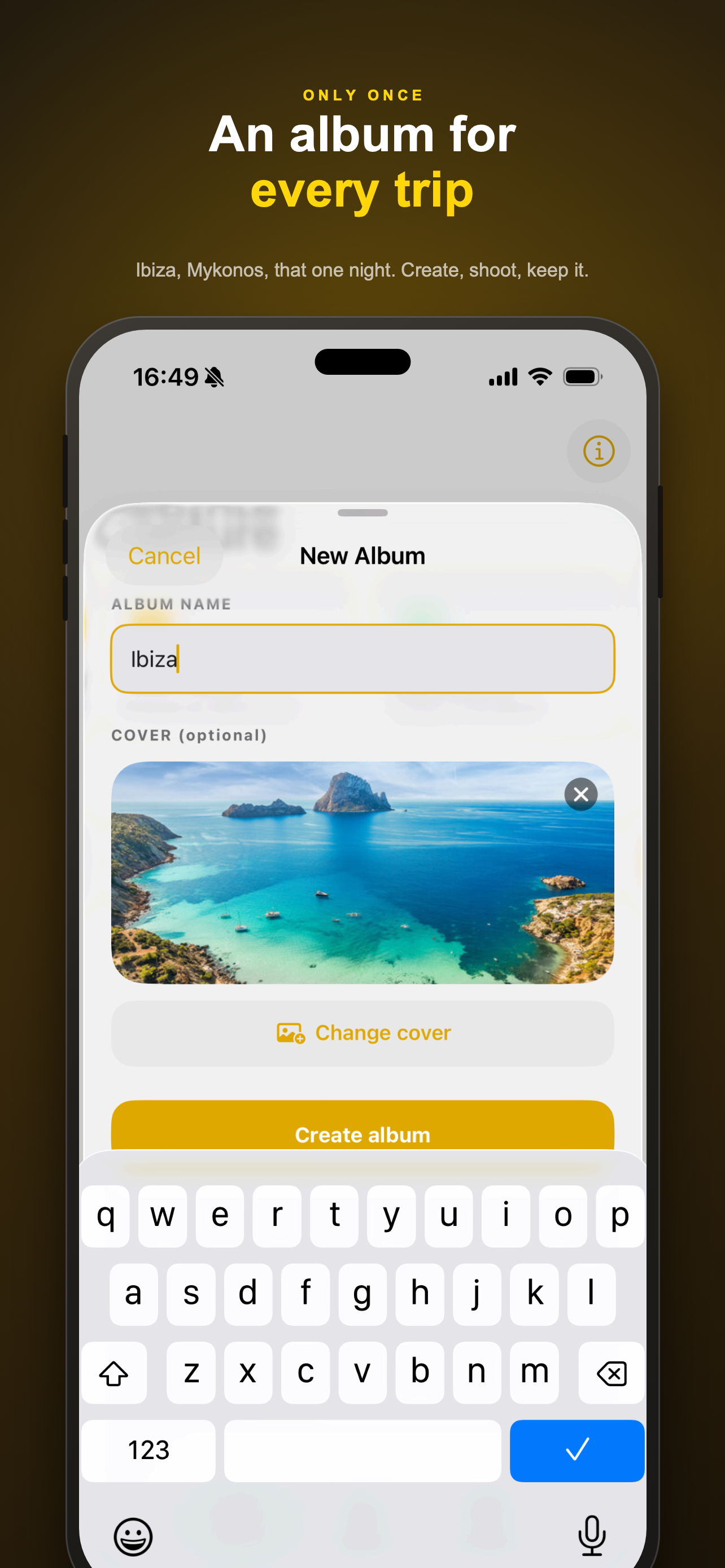
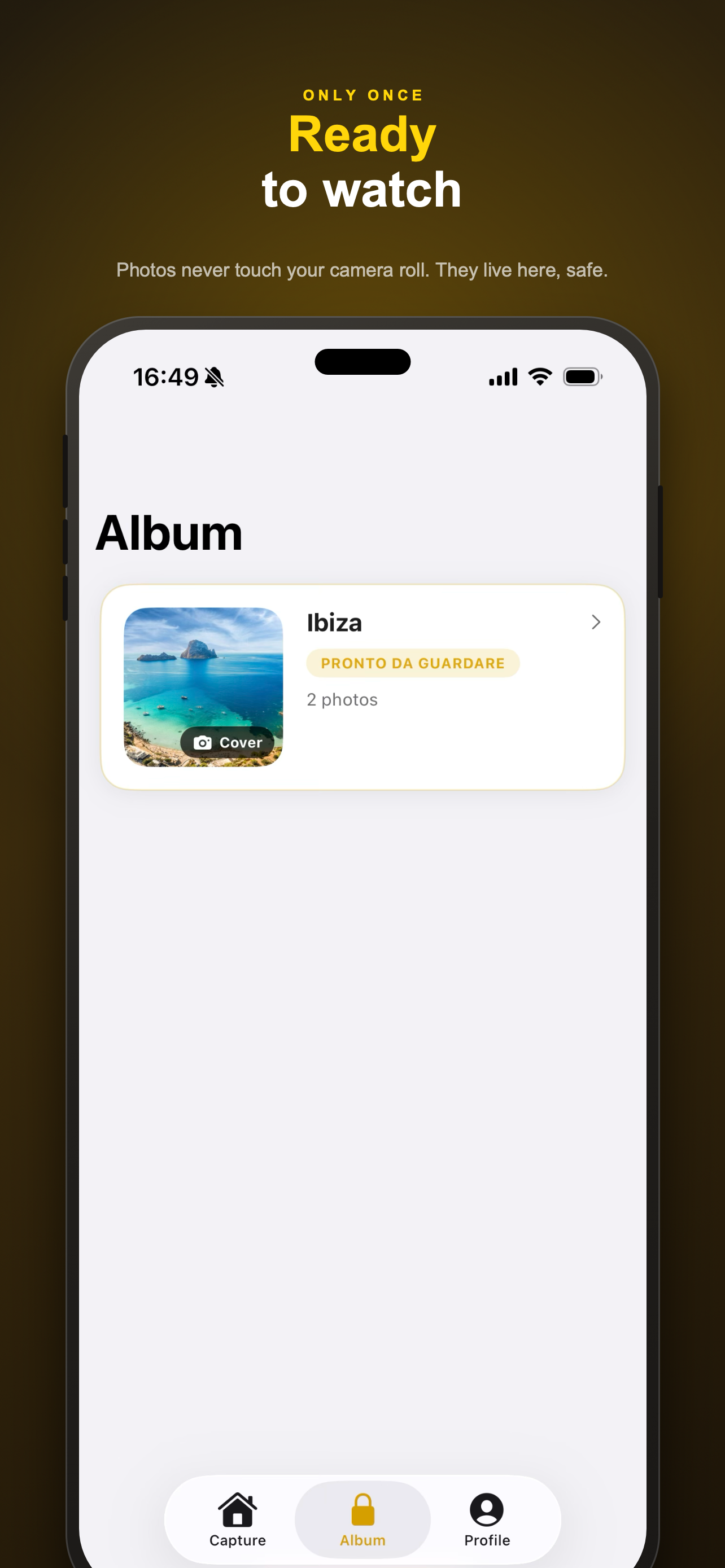
Create private albums
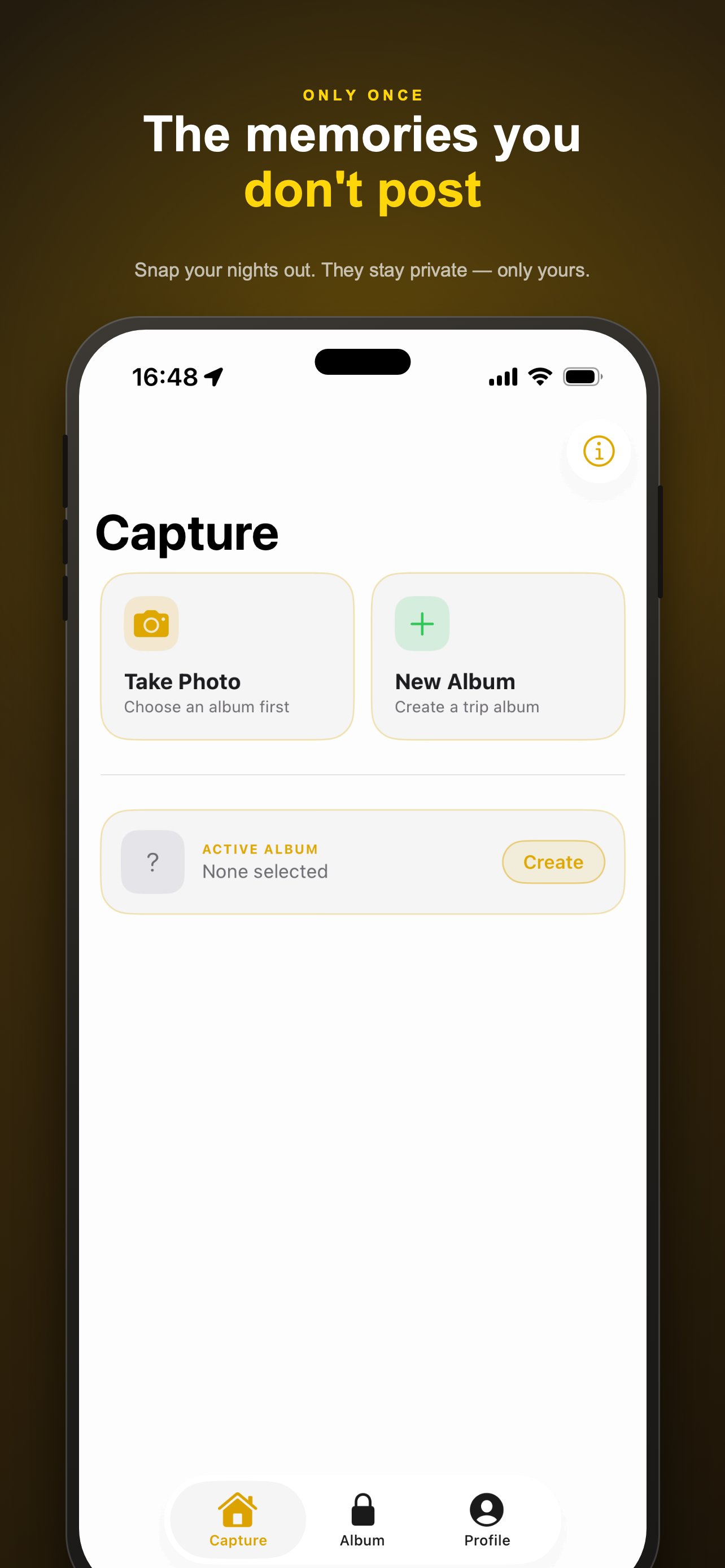
Group photos into albums - one per trip, one per memory - captured directly with the in-app camera.
free
// on-device only
Never in your camera roll
Photos are stored privately inside the app, encrypted at rest, and excluded from iCloud and iTunes backups.
free
// the rule
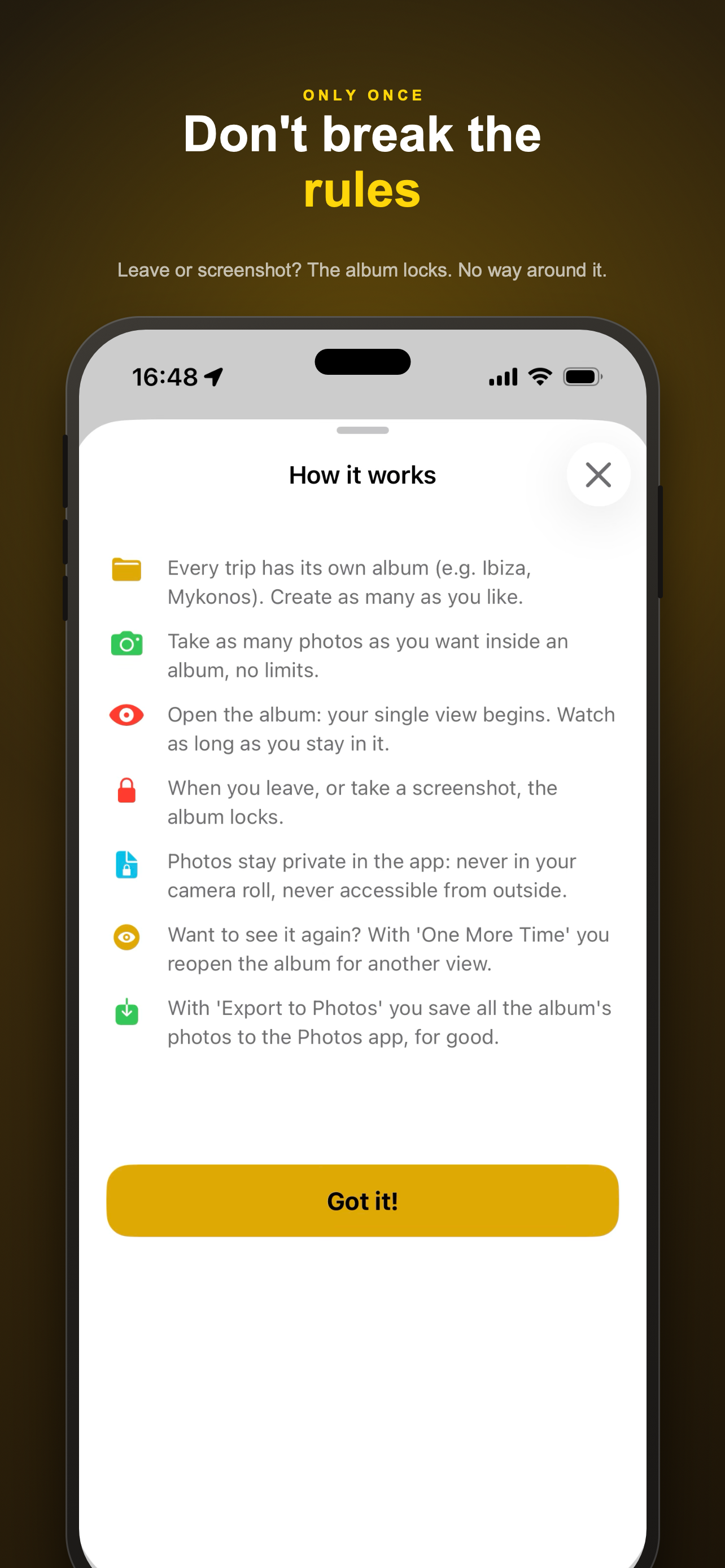
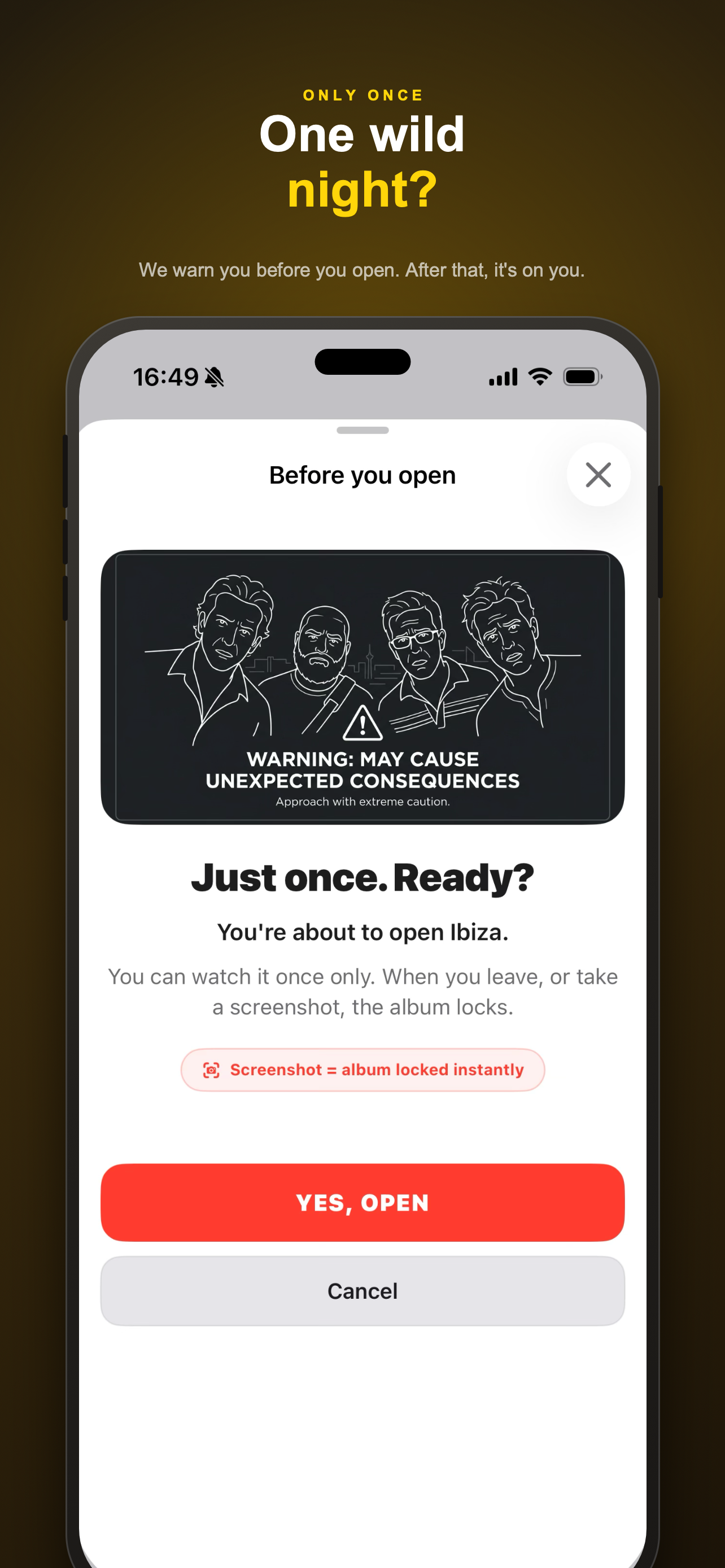
One single view, then it locks
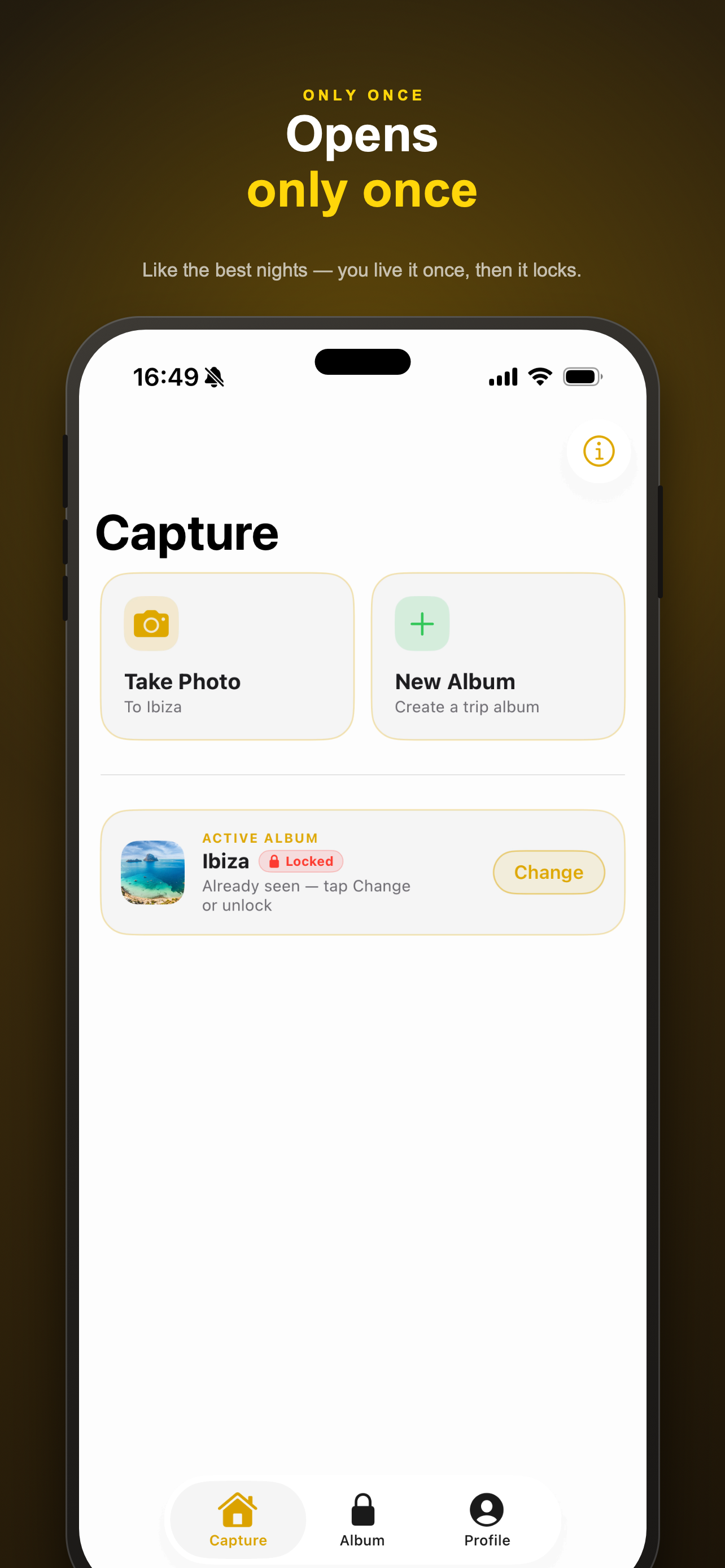
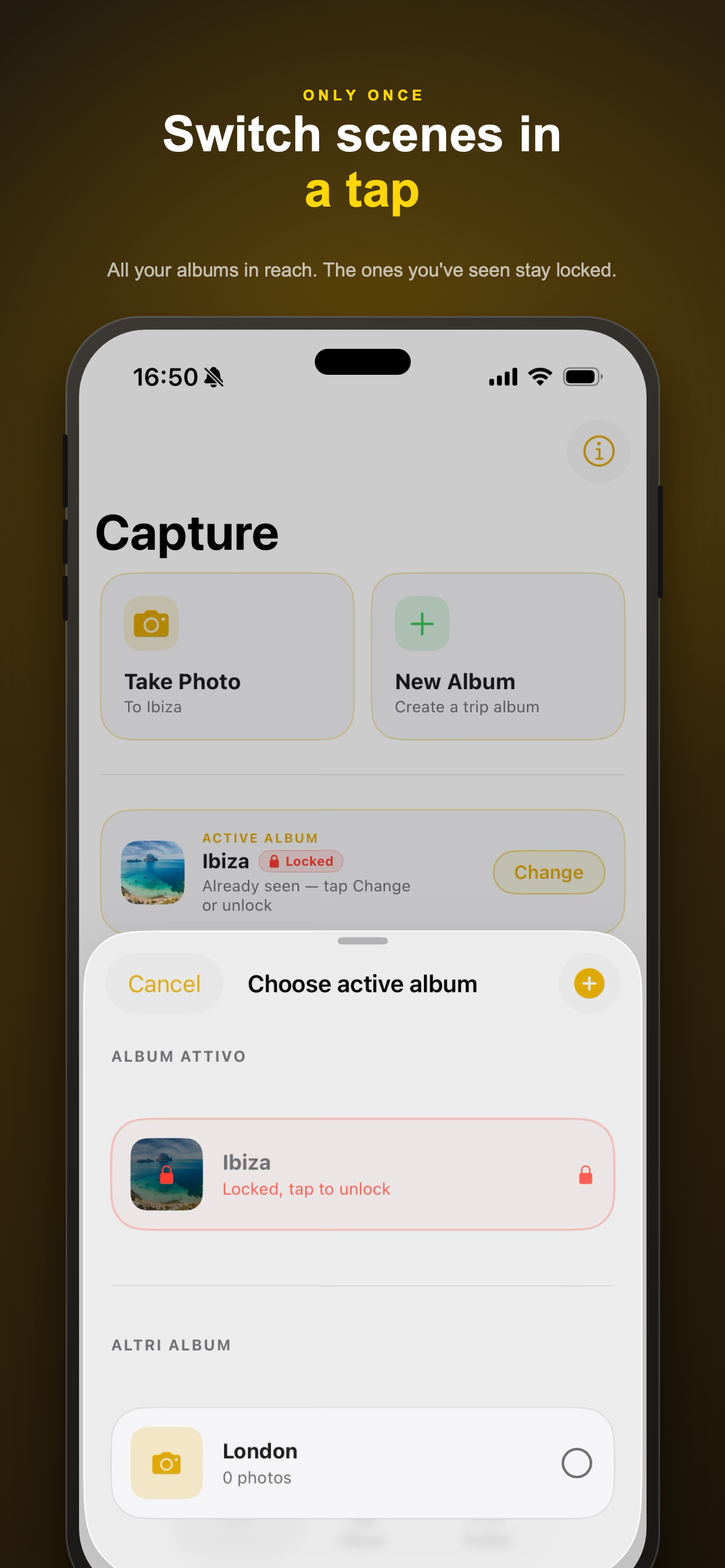
Opening an album starts its one and only view. Leaving the album locks it again - permanently, until you choose to reopen it.
free
// screenshot protection
Screenshots lock the album
Taking a screenshot immediately locks the album, and the screens themselves are screenshot-protected.
free
// privacy by design
No account, no server, no tracking
There is no sign-up, no login, no backend and no third-party tracking of any kind. Everything happens on your device.
free
// one more time
Reopen a locked album
Changed your mind? Unlock one more single view of a locked album with a one-time purchase.
in-app purchase
// export to photos
Export an album to Photos
Move a whole album out of the vault and into your system Photos library, permanently, with a single purchase.
in-app purchase
// tip jar
Buy the author a coffee
An optional way to support development. Tips unlock nothing - they're just a thank-you.
in-app purchase
// note: One More Time, Export to Photos and tips are consumable in-app purchases and are not restorable.